
Office 365 products
If you wish to use or install Office 365 products
- Go to https://mail.ebs.ee/ and log into it with your EBS account (firstname.lastname@ebs.ee)
- Click on your name initials in the top rightcorner.
- Next click on the white square that is made out of nine black squares in the top left corner -> Microsoft 365
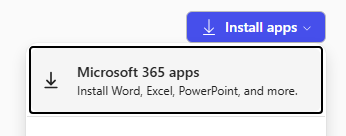
- A new window will open and choose Apps then you will be able to use Office 365 products on this page or you can install them by clicking on “Install apps” in the top right corner and choosing your preferred method of installation.
- After installing your Office 365 programs, it will ask you to log-in with your EBS account. After signing in, Office will also prompt you to “Use this account everywhere on your device”. Please UNCHECK the box where it asks to “Allow my organization to manage my device”.